


Table of Contents
Introduction
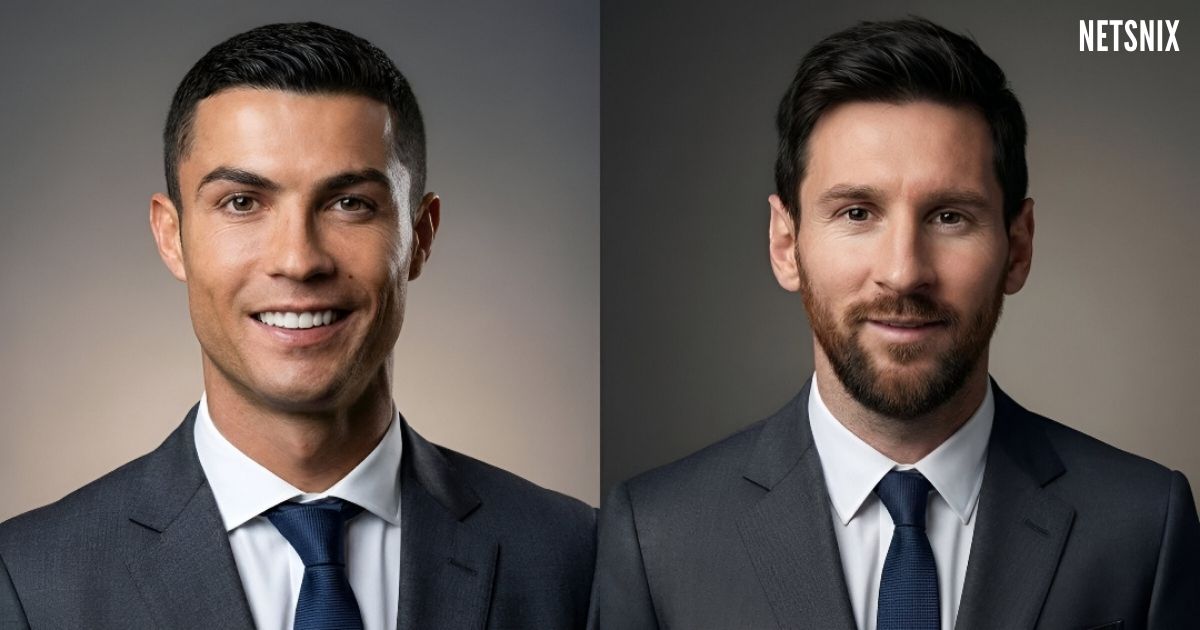
Professional business portraits are essential for executives, founders, and professionals building trust online. This AI prompt is designed for users who want consistent, high-quality, ultra-realistic business portraits using Google Gemini’s image generation capabilities, without spending time on complex prompt engineering.
What This Prompt Does
This prompt helps generate polished, executive-style business portraits while preserving the subject’s real facial features. It focuses on realism, professional attire, balanced lighting, and a premium background suitable for corporate and personal branding use.
Key benefits include:
- Maintains accurate facial structure and skin tone
- Produces clean, modern executive-style portraits
- Uses soft lighting for a premium, studio-quality look
- Works well for professional and corporate use cases
Best Use Cases
- LinkedIn profile photos
- Company website “About Us” pages
- Founder and executive portraits
- Corporate presentations and pitch decks
- Professional resumes and portfolios
How to Use This Prompt
- Open Google Gemini image generation.
- Upload or attach a reference image of the subject.
- Copy the prompt provided below.
- Paste it directly into the prompt input field.
- Generate the image and review the output.
- Regenerate or adjust settings if needed for style preference.
Prompt
Ultra realistic professional business portrait based on the attached image. Keep the subject’s facial structure, skin tone, hairstyle, and expression accurate. Dress the subject in clean, modern professional attire suitable for executives. Use a soft, minimal, premium gradient background with smooth lighting transitionsCustomization Tips
- Change attire descriptions to match specific industries such as tech, finance, or consulting.
- Adjust background tone by requesting lighter or darker gradients for different brand styles.
- Use higher-resolution settings for print or website hero images.
- Experiment with neutral facial expressions versus slight smiles for different professional contexts.
Frequently Asked Questions
Is this prompt suitable for beginners?
Yes. The prompt is ready to use and does not require technical knowledge or prompt engineering experience.
Can I use this prompt for personal branding?
Yes. It works well for LinkedIn profiles, personal websites, and professional portfolios.
Does this prompt change facial features?
No. The prompt is designed to preserve facial structure, skin tone, hairstyle, and expression accurately.
Can I reuse this prompt for multiple people?
Yes. You can reuse it with different reference images for consistent results.
Conclusion
This Google Gemini business portrait prompt is ideal for professionals who want clean, realistic, and executive-quality images with minimal effort. Simply copy the prompt, attach a reference image, and generate polished portraits suitable for modern professional use.


Leave a comment